Setting up a provider's time off policy
You can add a custom time off policy for each provider.
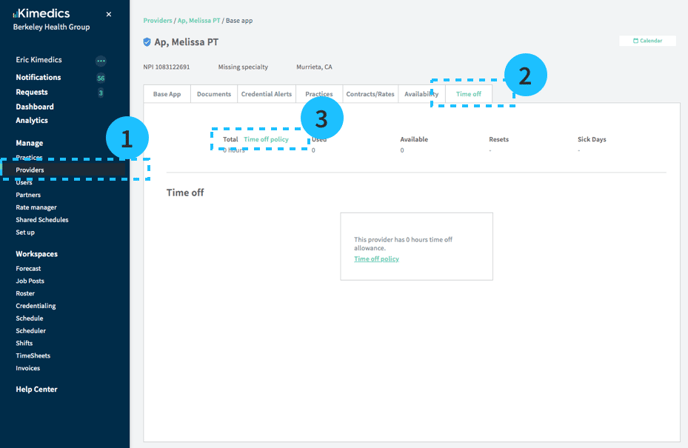
- Open the Providers section on left sidebar and select a provider
- Select the Time off tab
- Edit the policy by clicking Time off policy. You can edit:
- Time off start date: When does the time off period begin?
- Paid sick leave allowance
- Paid time off allowance (in hours or days)
- Paid time off carry-over preferences
- Flagging preferences: What types of PTO requests should display a warning?
Note: the default time off policy is 0 days
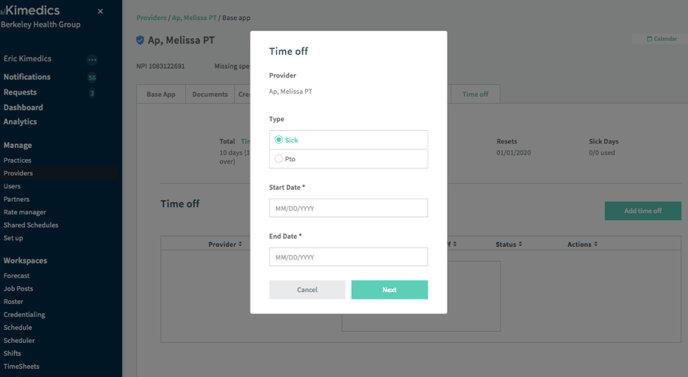
Adding time off
You can record time off by clicking Add time off.
After you add sick time or paid time off, the balance for Used and Available time off will update.