
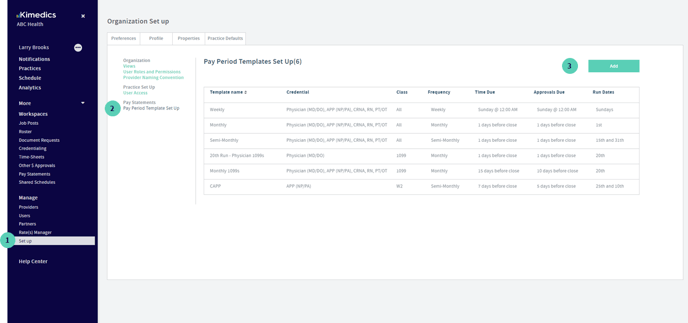
Before you can generate pay statements you first need to define the different pay periods your organizations run. To do this go to:
1. Click on "Set Up" on the left navigation and you will land on your organization's "Preferences"
2. go to the "Pay period templates Set Up" section
3. click the "add" button to add a new pay period template
From here, you can then apply these templates to your different practices by updating the pay periods in your practice set up. More on this here