
Often times, there are a handful of documents you may need to download for Presentation or Privileging requirements. The ability to bulk download these documents should simplify the process and save you time! (Please note that this does not apply to smart form documents).
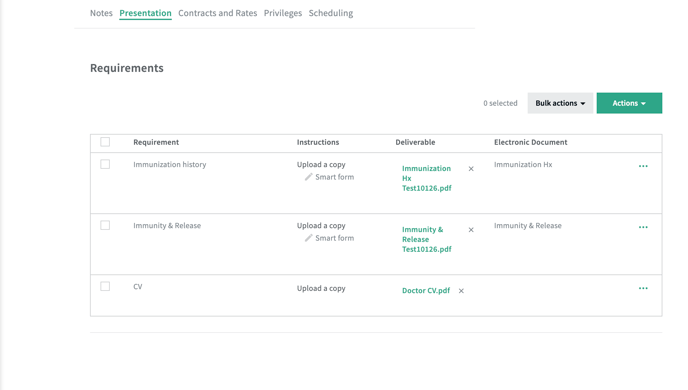
Notice that the 'bulk actions' button is not enabled in this first screenshot.
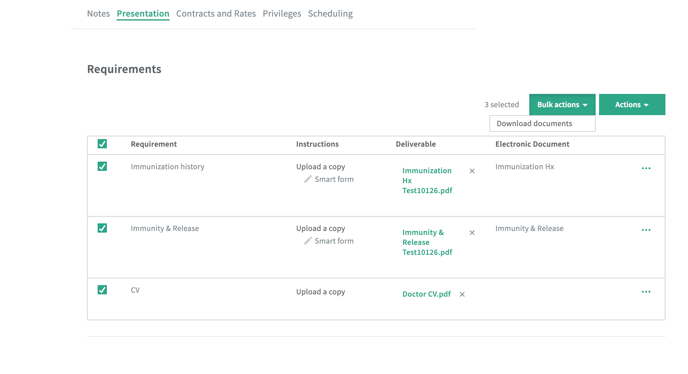
Once a checkbox is selected, the 'bulk actions' button will be enabled. You can use the main checkbox to select all or choose a certain few. Selecting all will download all of the documents. Selecting a few will only download the documents that were selected.
The 'Actions' button allows you to add a requirements. If an organization uses smart forms, the 'Actions' button will allow them to pre-fill documents OR send documents. These actions cannot be done in bulk.