Pay Period View
Works best for: When you are working a specific pay period and want to see the current time sheets across all statuses.
Ex: I want to see where all of my time sheets are in the approval workflow for a pay period
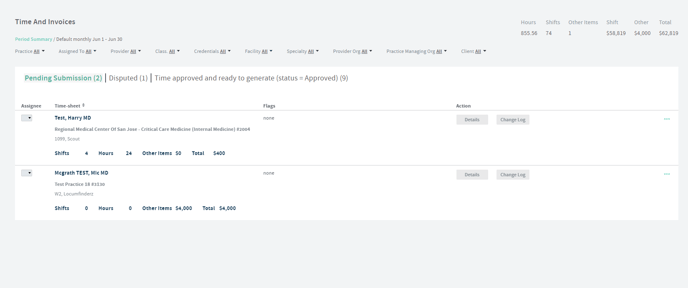
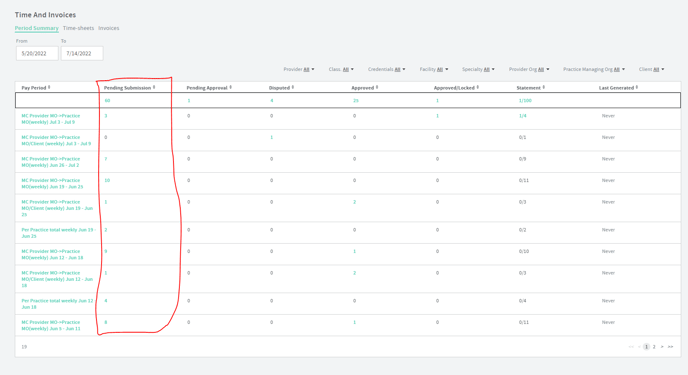
How to navigate to: Time and Pay or Time and Invoices Workspace>Pay Period tab>Click on pay period name
Status View
Works best for: When you are working a status and want to see the current time sheets across all pay periods.
Ex: I want to go submit time for last pay period
Ex: I want to approve time for last pay period
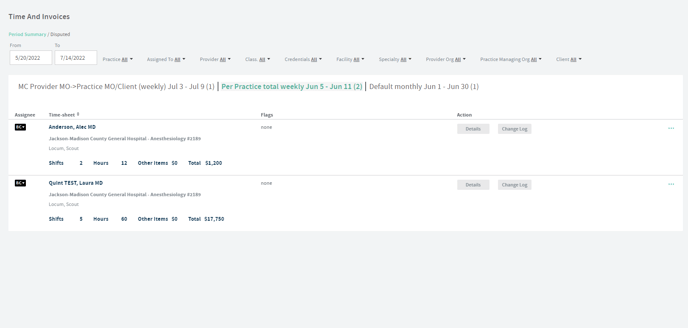
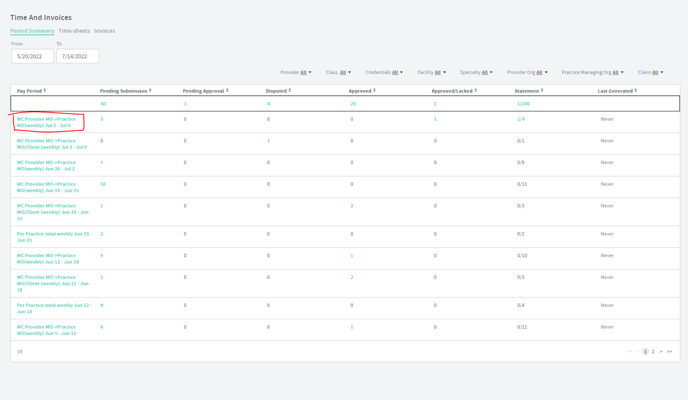
How to navigate: Time and Pay or Time and Invoices Workspace>Pay Period tab>Click on a number in the total column or a pay period to see just this one status.
Provider View
Works best for: When you are submitting time for a specific provider or have a specific question about a provider's time.
Ex: I want to go to a specific provider's time sheet
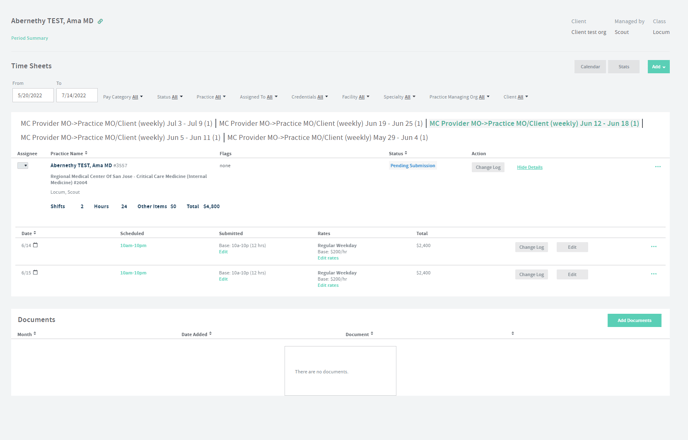
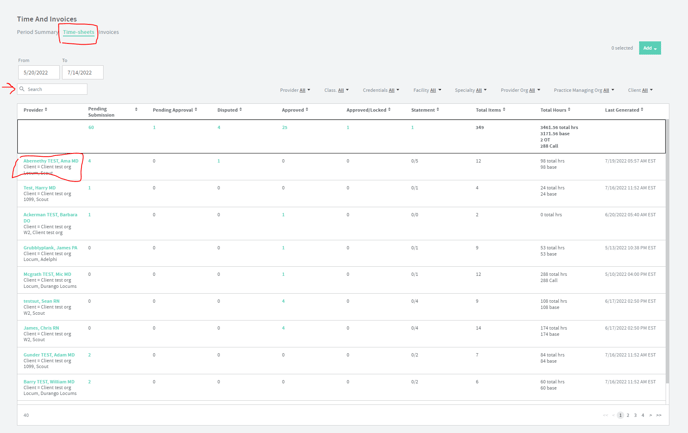
How to navigate to: Time and Pay or Time and Invoices Workspace>Time sheets tab>Click on the provider name.